Youtube Custom Speed автор nizioleque
Change the speed of Youtube videos to whatever you like, with customizable presets and keyboard shortcuts!
1 805 Users1 805 Users
Метадані розширення
Знімки екрана
Про це розширення
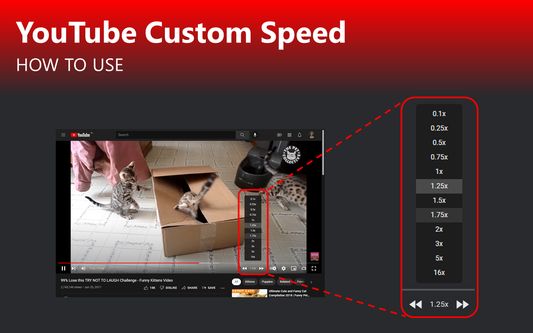
Youtube Custom Speed lets you play any Youtube video at any speed you like, from 0.0125x to 16x!
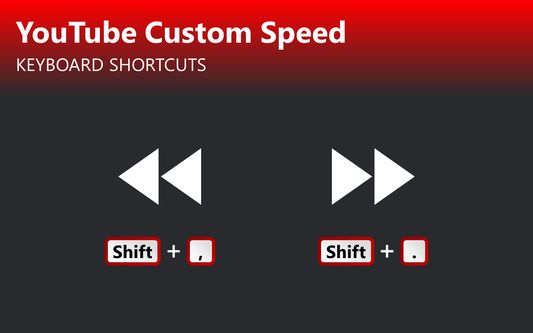
Use the options menu to set your preferred playback rate values. Then, change the speed using buttons at the bottom of the video. It also cooperates with the default Youtube keyboard shortcuts - Shift + , and Shift + .
If you experience any issues, please feel free to email me with a bug report.
Use the options menu to set your preferred playback rate values. Then, change the speed using buttons at the bottom of the video. It also cooperates with the default Youtube keyboard shortcuts - Shift + , and Shift + .
If you experience any issues, please feel free to email me with a bug report.
Rated 4,7 by 26 reviewers
Permissions and data
Більше інформації
- Посилання додатка
- Версія
- 1.10
- Розмір
- 33,85 КБ
- Востаннє оновлено
- 2 місяці тому (23 жовт 2025 р.)
- Пов'язані категорії
- Ліцензія
- Громадська ліцензія Mozilla 2.0
- Історія версій
- Додати до збірки
Розробник цього розширення просить вас посприяти його подальшому розвитку, зробивши невеликий внесок.